Creating an account and signing in
Sign up with email or Google, verify your address, and sign in.
You need a Yuyu account to run events, keep your registrations in one place, or take part in team events as a signed-in member. You don't need one to register for most events: guests can sign up with just a name and email.
Create an account with emailLink to this section
- Choose Sign in or Start organising in the site header.
- Open the Create account tab.
- Enter your Name, Email and a Password of at least 12 characters, then choose Create account.
- Check your inbox for the verification email and open its link.
- On the Confirm your email page, choose Confirm email. You're taken back to the sign-in page with "Email verified. You can now sign in."
After you create an account, Yuyu always shows the same message: "If this email can be registered, check your inbox for a verification link." This is deliberate, so nobody can use the form to find out who has an account. If you already have an account with that address, no new account is made; sign in or reset your password instead.
Passwords must be 12 to 128 characters. Very long passwords made of non-English characters can hit a lower limit; if so, Yuyu tells you to use fewer characters.
Sign inLink to this section
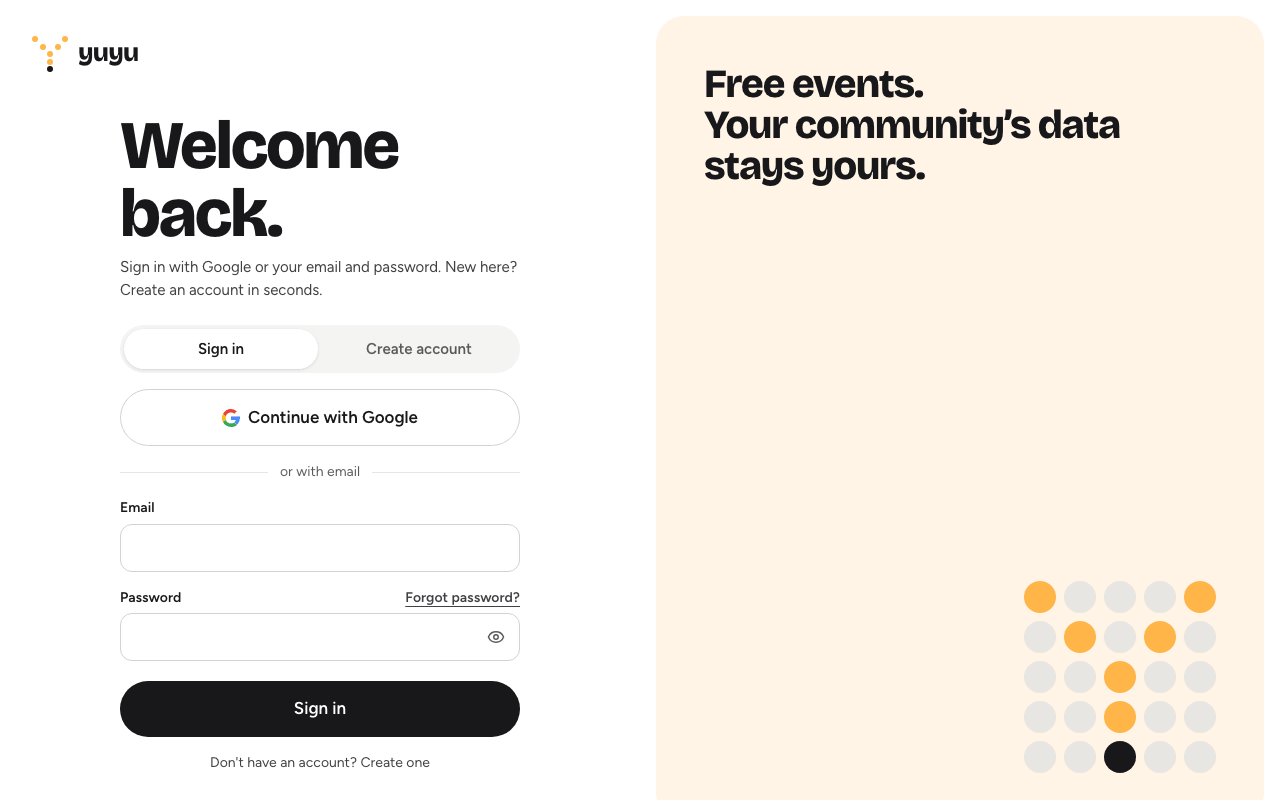
- Open the sign-in page and stay on the Sign in tab.
- Enter your Email and Password and choose Sign in.
- If you've turned on two-step verification, enter the code from your authenticator app on the Verify it's you screen and choose Verify and sign in.
If you sign in before confirming your email, Yuyu shows "Verify your email before signing in" and a Resend verification email button.
Forgotten your password? Choose Forgot password? above the password field. See Forgotten your password?.
Continue with GoogleLink to this section
If the person running this Yuyu instance has set up Google sign-in, the sign-in page shows Continue with Google. Otherwise it says "Google sign-in is not configured for this instance."
- New to Yuyu? Continuing with Google creates your account using your Google name and verified email. There's no separate verification email.
- Already have a Yuyu account with the same email? Google is linked to it, so you can sign in either way. Your email must already be verified in Yuyu; if it isn't, confirm it first.
When you sign in with Google, Google's own security settings protect the sign-in, not Yuyu's two-step verification. You can add a Yuyu password later from Account settings → Security. See Profile, appearance and security.
When new accounts are turned offLink to this section
The person running this Yuyu instance can stop new accounts from being created. When they do, the Create account tab disappears, and continuing with Google for a new address shows "New account creation is currently unavailable." Existing accounts can still sign in. Ask an organiser or the instance administrator if you need access.
Signing outLink to this section
Open your account menu (your name or picture in the sidebar) and choose Sign out. To sign out on every device at once, see Sign out everywhere.
Good to knowLink to this section
- Your account is for you, not your organisation. One account can belong to several organisations.
- Registrations you make while signed in appear under Account settings → Registrations. Registrations made as a guest (signed out) stay reachable from their ticket emails but are not added to your account later.
- Problems with emails not arriving? See Common problems.